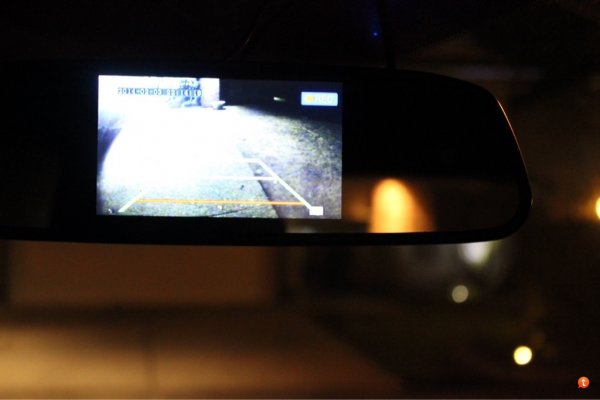
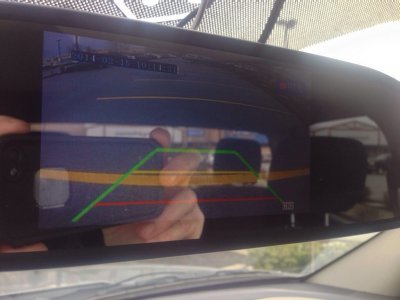
Ok, so, first time truck owner here, and first time doing any real modification to a vehicle. I started with just a simple idea. A cheaper than OEM backup camera for my truck. But, it kind of grew, into a bit more than that. So, what did it end up being?
So far....
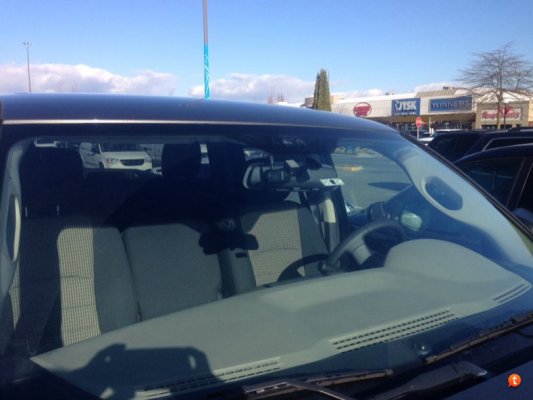
- a dashboard camera
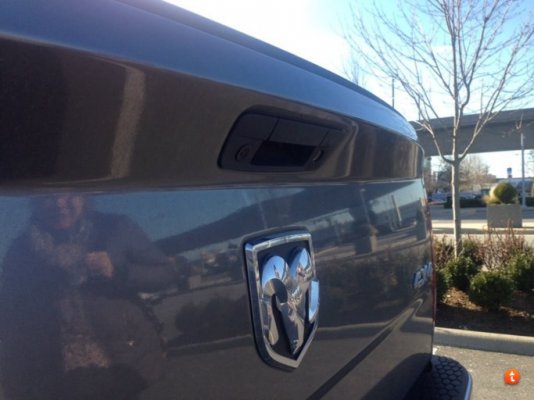
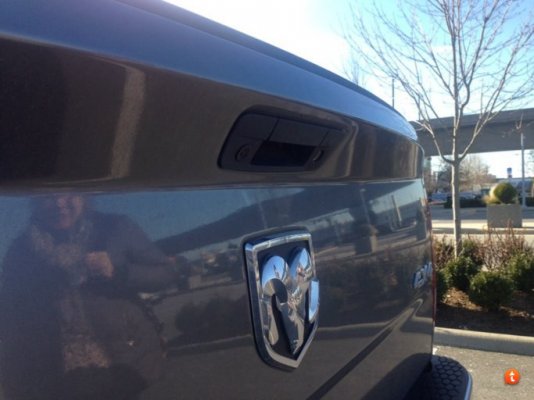
- a tailgate camera
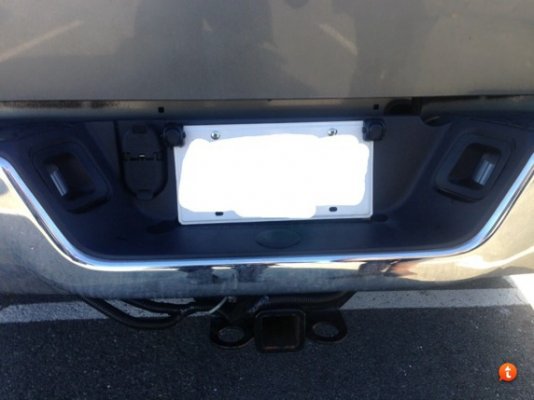
- a trailer rearview camera (not installed yet, crappy weather outside)
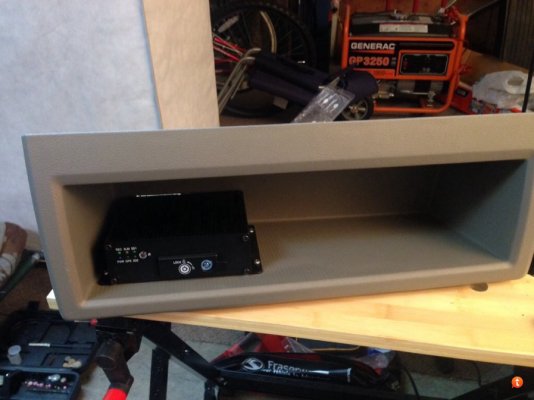
- a mini-DVR with 4 audio/video inputs for simultaneous record and playback
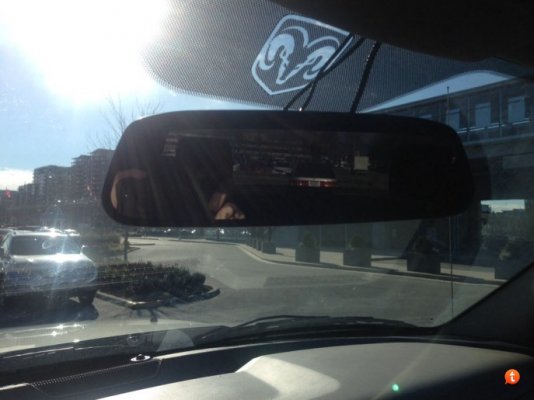
- an LCD interior mirror to play the video onto
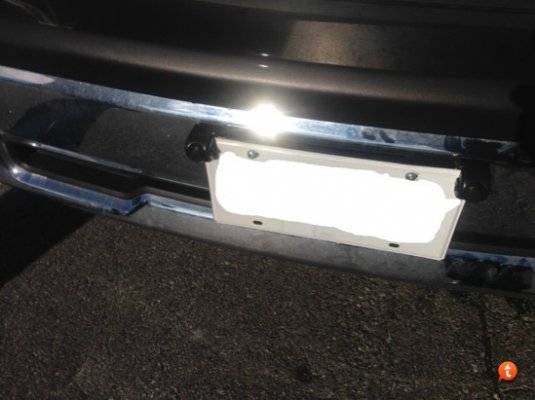
- front and rear add-on distance sensors
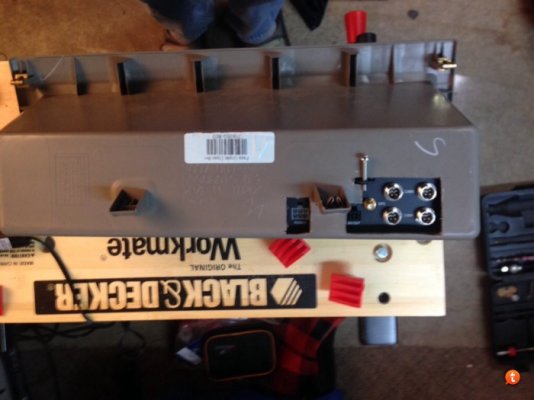
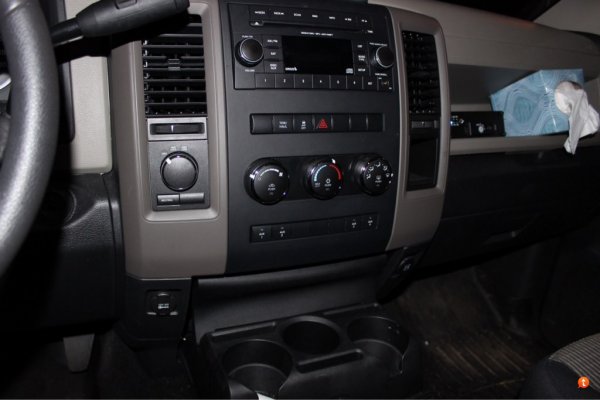
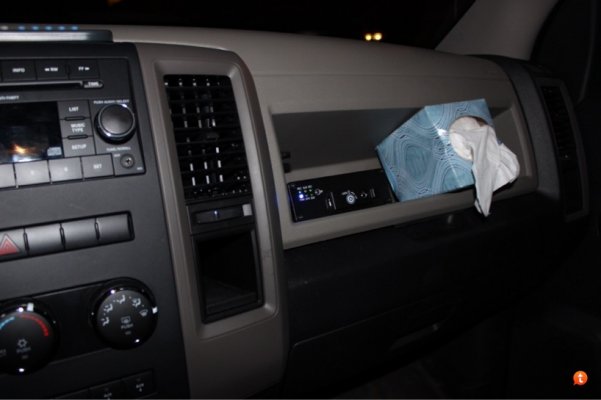
- OEM internal switch panel for the dashboard console
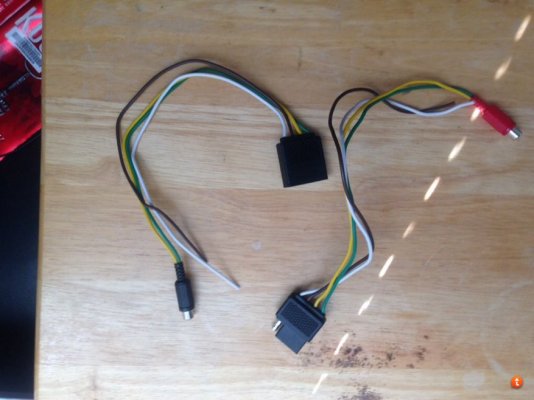
- custom connectors for the tailgate camera and trailer rear view camera
- side cameras (not installed yet)
- spare switch leading out to a switching wire in the engine compartment for later addition of fog lights
Kudos to myoung84 for this post:
OEM 4 Button AUX Switch Panel - DODGE RAM FORUM - Dodge Truck Forums
You completed the puzzle for me trying to figure out how to cleanly install the switching I wanted.
Why did I do what I did? Sort of for fun, but we plan to do a lot of camping, and I wanted some good old fashioned video evidence in the event of a nasty collision. Also, it started to get fun.... I didn't know anything about auto electrical systems when I started. Learned a bunch. Thank goodness for google, and this forum. See my oops post here, for a fun little warning about relays. At least the ones I bought .
.
Noob question about relays.... - DODGE RAM FORUM - Dodge Truck Forums
So, what happens now...
When I start the truck, my mini-DVR comes on automatically. It powers any cameras connected to it, and starts recording whatever it sees. With a built in GPS and g-shock sensor, the DVR saves a bunch of the recordings in the case of a collision. Also, my dashboard camera comes on automatically as well, and with it's own separate GPS and g-shock sensor also (built into the sweet HD unit) and also saves it's own files in the event of a collision.
The mini-DVR output is routed to the mirror (and a split video signal out, which I'll explain why later), and by default shows the tailgate camera. I use the OEM switch to control whether or not the LCD mirror displays a normal mirror, or displays the image from the mini-DVR. Using a remote control for the mini-DVR, I can switch to any of the other live video feeds, just to check them. Using the OEM switch, I control the power to the mirror LCD, and therefore whether I see the image from the appropriate camera.
Also, my front and rear distance sensors are controlled using the OEM switch panel. I can activate them both independently, and have mounted the speakers for them in different areas of my dash, so I hear the locations differently. I wanted them manually activated, as there will be times I don't want to hear the beeping, like backing up to my trailer.
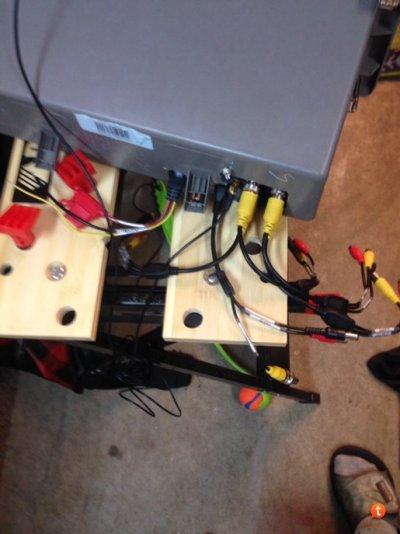
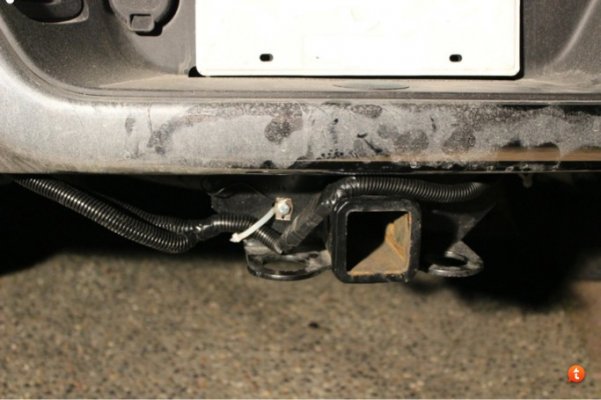
Speaking of when I have the trailer, once I'm all hooked up, there's little point in seeing the tailgate camera, right? Built me a fancy shmancy connector using a standard 4pin trailer hitch combo that allows me to unplug the tailgate camera, and plug in the camera connected to the rear of the trailer. Instant trailer backup camera, that survives any nasty weather or distance challenges. Plus, I can put the image on the LCD mirror any time while driving to see what's behind me . Sweet.
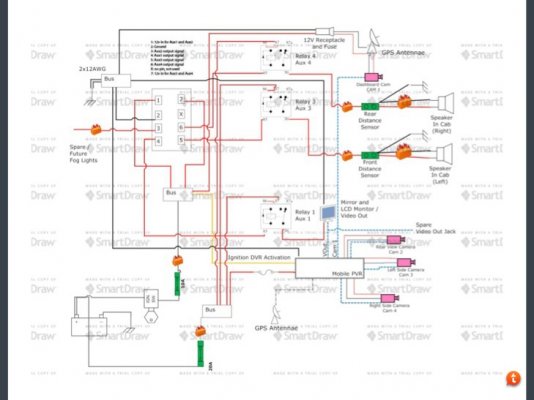
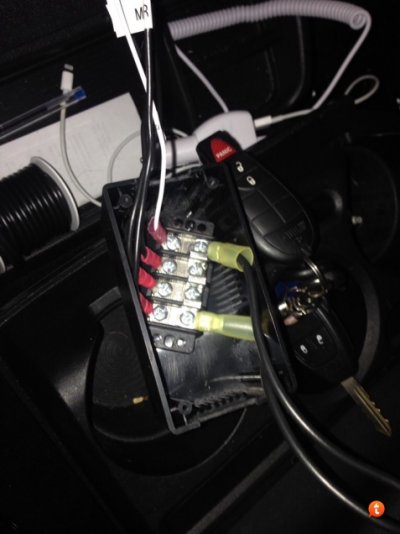
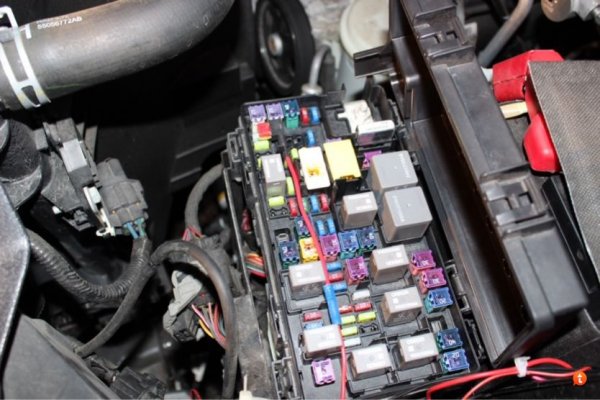
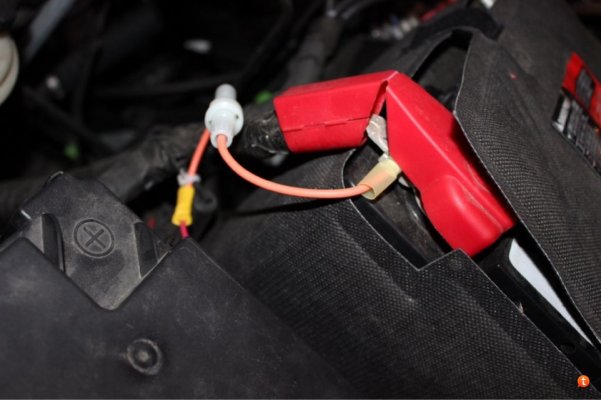
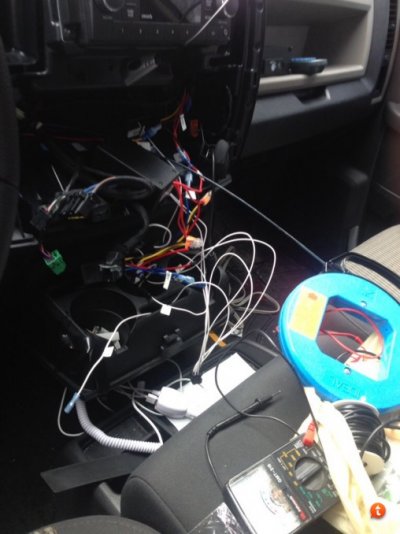
I'm going to post the parts list, a diagram, and some pics along with some things I did along the way, in case anyone finds it useful.
So far....
- a dashboard camera
- a tailgate camera
- a trailer rearview camera (not installed yet, crappy weather outside)
- a mini-DVR with 4 audio/video inputs for simultaneous record and playback
- an LCD interior mirror to play the video onto
- front and rear add-on distance sensors
- OEM internal switch panel for the dashboard console
- custom connectors for the tailgate camera and trailer rear view camera
- side cameras (not installed yet)
- spare switch leading out to a switching wire in the engine compartment for later addition of fog lights
Kudos to myoung84 for this post:
OEM 4 Button AUX Switch Panel - DODGE RAM FORUM - Dodge Truck Forums
You completed the puzzle for me trying to figure out how to cleanly install the switching I wanted.
Why did I do what I did? Sort of for fun, but we plan to do a lot of camping, and I wanted some good old fashioned video evidence in the event of a nasty collision. Also, it started to get fun.... I didn't know anything about auto electrical systems when I started. Learned a bunch. Thank goodness for google, and this forum. See my oops post here, for a fun little warning about relays. At least the ones I bought
.Noob question about relays.... - DODGE RAM FORUM - Dodge Truck Forums
So, what happens now...
When I start the truck, my mini-DVR comes on automatically. It powers any cameras connected to it, and starts recording whatever it sees. With a built in GPS and g-shock sensor, the DVR saves a bunch of the recordings in the case of a collision. Also, my dashboard camera comes on automatically as well, and with it's own separate GPS and g-shock sensor also (built into the sweet HD unit) and also saves it's own files in the event of a collision.
The mini-DVR output is routed to the mirror (and a split video signal out, which I'll explain why later), and by default shows the tailgate camera. I use the OEM switch to control whether or not the LCD mirror displays a normal mirror, or displays the image from the mini-DVR. Using a remote control for the mini-DVR, I can switch to any of the other live video feeds, just to check them. Using the OEM switch, I control the power to the mirror LCD, and therefore whether I see the image from the appropriate camera.
Also, my front and rear distance sensors are controlled using the OEM switch panel. I can activate them both independently, and have mounted the speakers for them in different areas of my dash, so I hear the locations differently. I wanted them manually activated, as there will be times I don't want to hear the beeping, like backing up to my trailer.
Speaking of when I have the trailer, once I'm all hooked up, there's little point in seeing the tailgate camera, right? Built me a fancy shmancy connector using a standard 4pin trailer hitch combo that allows me to unplug the tailgate camera, and plug in the camera connected to the rear of the trailer. Instant trailer backup camera
, that survives any nasty weather or distance challenges. Plus, I can put the image on the LCD mirror any time while driving to see what's behind me . Sweet.I'm going to post the parts list, a diagram, and some pics along with some things I did along the way, in case anyone finds it useful.