
Disclaimer: Links on this page pointing to Amazon, eBay and other sites may include affiliate code. If you click them and make a purchase, we may earn a small commission.
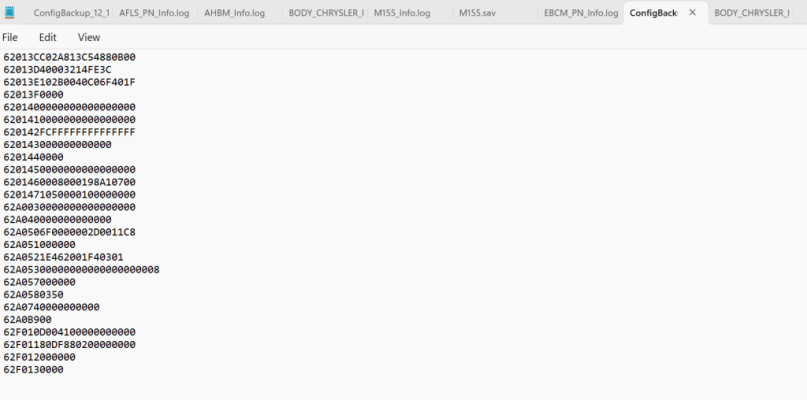
You may be right.On my system it put it in that same location (C:\Program Files (x86)\AlfaOBD\Logs\ConfigBackup_<date>.txt. I pulled mine up, and it looks the same as yours, so I suspect the information that's pulled in there is al coded as hexadecimal. Hope that helps!
(Had to use that one LOL.)


Ok, here it is.
Connect AlfaOBD to the vehicle and connect to PC bluetooth connection.
Click on "status / faults".
View attachment 557114
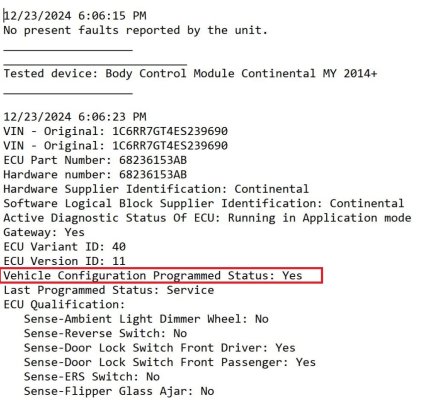
Down the bottom you have "View Log" Click on that and PC should ask what to view it with. Click "note pad" as viewer. (sorry for blurred picture, but you get the jist)
View attachment 557115
Once the TXT file open, click on the "File _ Save as" button and save it as a TXT where you can find it.
I just did it on my truck and it is how it works.