Nubster
Senior Member
to my very basic level truck...lol


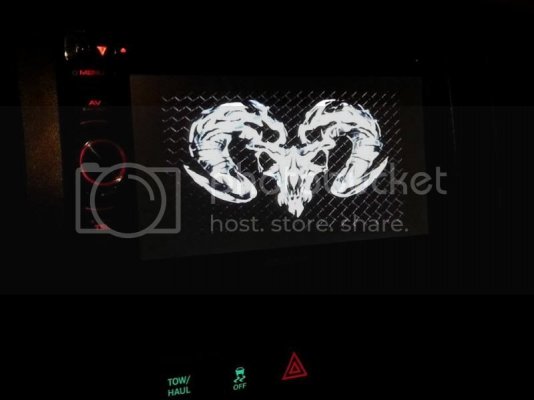
And it sounds a lot better to boot.
And it sounds a lot better to boot.


Disclaimer: Links on this page pointing to Amazon, eBay and other sites may include affiliate code. If you click them and make a purchase, we may earn a small commission.
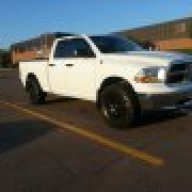

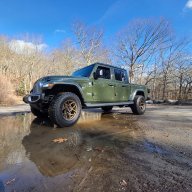

Very easy.
-Get pics on a USB and plug into the headunit.
-Go to menu and select USB.
-Once it loads, hit mode in the middle of the screen. It'll give you options to select audio, audio/video, still images. Select stills. It will take a few seconds and at the very bottom of the screen, a little icon that say pictures will pop up. After that, hit the back button and it'll bring up the pics.
-Hit menu and hit setup.
-Hit display then User Customize.
- Select the picture you want and hit capture image. Hit yes to overwrite and there you have it.
That should be it. Sounds harder than it really is. Once you get in there it's not hard to figure out.
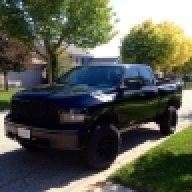
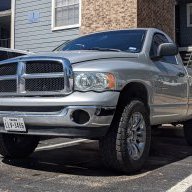
No. It's replacing the standard radio...not the stock touch screen. I cut the upper bar out and then you have to snip the framing on the left and right...just cut it completely through in the middle. That way the opening will spread open slightly to accept the larger double din body of the aftermarket radio. Not sure if that has to be done if you have the stock touch screen but I'd guess you would.
That sounds exactly like what I had to do... however I had to shave some off the top plastic just belong the rubber piece with Dodge on it. if you understand what i mean, it was hitting the top of the DDin and wouldnt allow the top of the dash to sit flush.