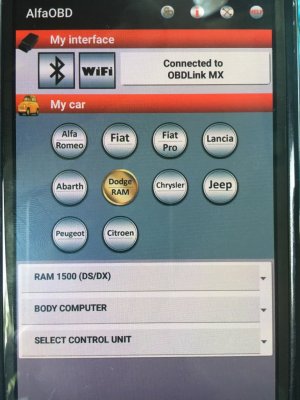
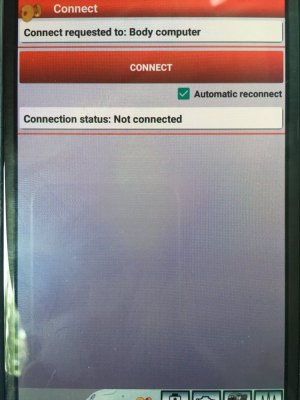
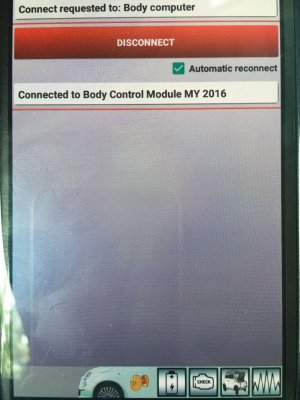
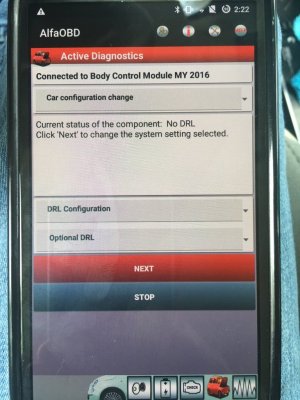
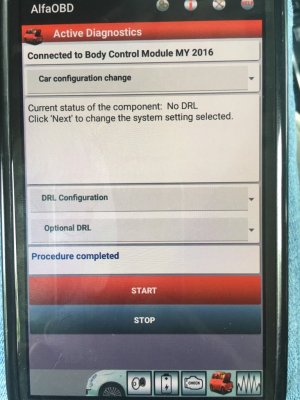
I'm trying to use the WIN 10 version.
Was finally able to connect (I think) using COM5 on my laptop by selecting the "advanced options" and what everyone is recommending for a bluetooth OBD transmitter.--->OBDLink MX.
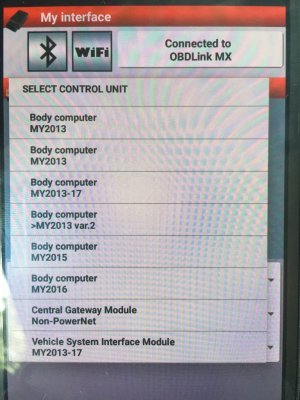
I mistakenly selected the wrong BCM under the device list in the advanced mode settings and all hell broke loose. LCD display on dash went haywire cycling through every possible dipslay combination with outlying guage needles cycling. Pulled the OBDLink MX and tried my normal "BlueDriver" OBD bluetooth device to see if I could pull codes and it wouldn't connect. Truck wouldn't start either.
Disconnected batteries for a bit and reconnected. Dash was normal and truck would start. Read codes with the bluedriver thing and there were a boatload. For whatever reason, it takes a while for me to clear all the codes.
Tired one more time, this time selecting the chrysler BCM in the drop down menu for "devices." Success - I think. I can't figure out what to do from here.
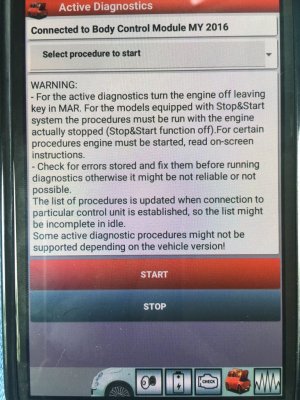
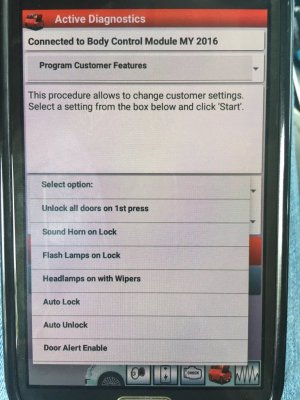
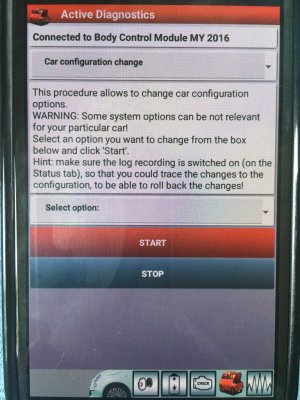
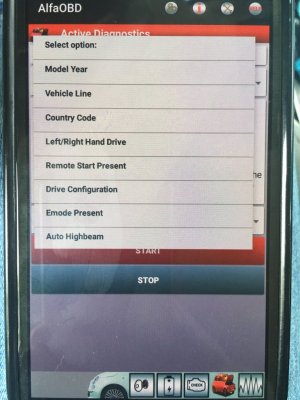
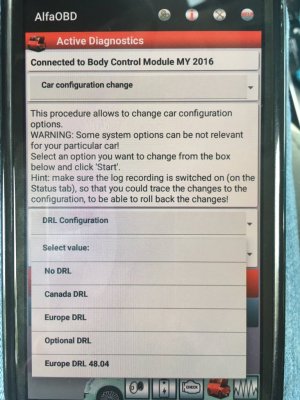
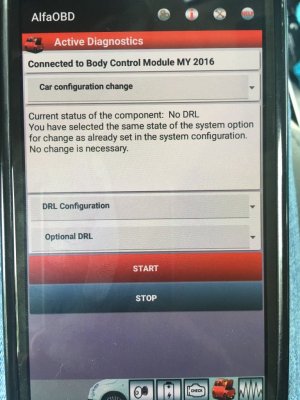
In the WIN10 version, there are a couple of tabs...Start, Status/Faults, Plotted Data, Active Diagnostic, Manual Connect, and About.
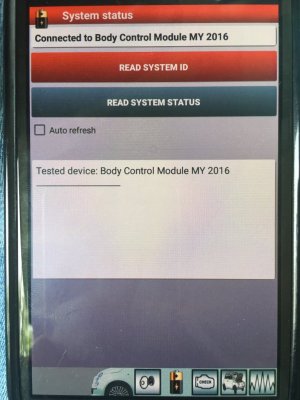
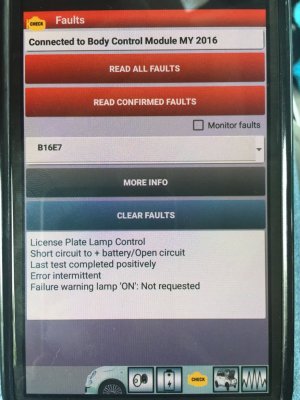
In the "Status/Faults" tab - I can see what everyone else seems to have as a log/ txt output by clicking on "Read System ID." And for what I'm trying to do...turn on ventilated seats...I can see the option in two places...ECU 3 and under "Memory Configuration". IN my case it is set in ECU 3...probably because I used the OBDGennie. But it isn't set in the "Memory Configuration" portion of the system ID text. I can't seem to find a way to change this either.